August 1st, 2024
We’re super excited to announce one of our most requested features: Quickbooks Sync, is now live for all users!
Quickbooks Sync allows you to automatically sync all your orders and accounts from PrintTools into Quickbooks for easy book management.
It’s super easy to get started: just head to the new Settings→Integrations page and click ‘Connect’!
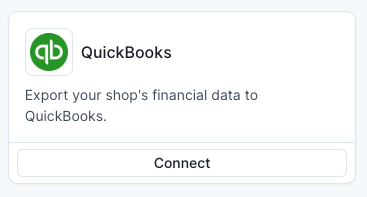
After connecting, all your orders along with customer info, line items, shipping, and sales tax (+more) will be automatically exported to Quickbooks without any effort on your part.
If you’d like to learn more about how Quickbooks Sync works, check out our help desk article: Quickbooks Sync.
Feature Requests
As always, if you have any feature requests feel free to let us know on our Feature Requests Board!
July 10th, 2024
Improved
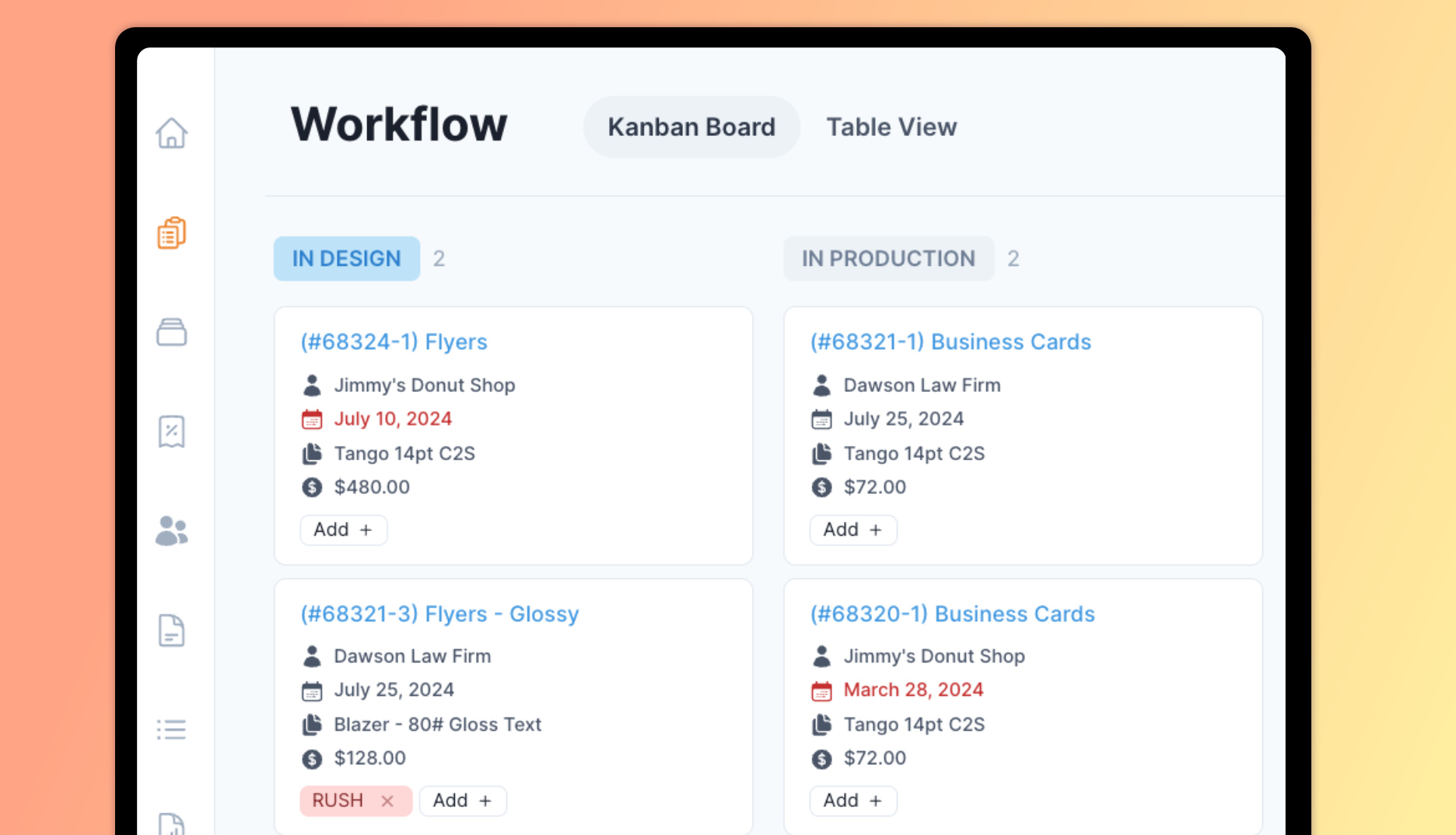
We heard you loud and clear: many of you gave us feedback on how workflow… works in PrintTools. We are happy to announce that the following changes are now live!
Workflow Improvements
Workflow board cards can now be rearranged in any order in a column and remain consistent across all users in your shop.
Workflow board view performance has been dramatically improved, now able to load hundreds of cards on the screen at once in a matter of milliseconds. Table view remains snappy as ever.
You can now manage your job tags on the workflow board view. Assigning, creating, and deleting tags is now just as easy as it was on the table view.
Other Improvements
The dashboard sidebar has been redesigned to give you more room to see page content. It no longer takes up a big chunk of the page real estate.
You can now select a default payment terminal in settings that will pre-select itself when initiating an in-person payment
What’s Next
As per popular demand, we’ve been working on adding Quickbooks sync to PrintTools so you can sync your order and accounts to Quickbooks Online. We’ll be sure to let you know when it’s ready!
As always we love hearing from you. If you have a feature request you can leave one on our requests board or drop us a line at hello@printtools.com